
Astro SEO: What the Framework Does For You, and What It Won't
Astro ships server-rendered HTML with zero JavaScript by default. Here’s what it handles for SEO, what you have to do, and when it’s the wrong choice.
By Chris Bolton
Astro gives you a fast, crawlable foundation for free. It will not rank your site. Those two things get conflated constantly, usually by developers who just migrated a site, watched the Lighthouse score go green, and assumed the SEO part was handled.
I build client sites on Astro and I do SEO for a living, so I get to watch both halves of this. Below is what Astro genuinely solves, what it leaves entirely to you, and where I’d tell you to use something else.
What Astro gives you for free
Astro renders to HTML on the server and ships no client-side JavaScript unless you ask for it. From Astro’s own documentation, the three architectural claims are “Zero JS, by default,” an islands model “optimized for content-driven websites,” and a server-first approach that “moves expensive rendering off of your visitors’ devices.”
Astro claims that “an Astro website can load 40% faster with 90% less JavaScript than the same site built with the most popular React web framework.” Treat that as a vendor benchmark rather than a promise about your project, but the architecture behind it is real and it has three SEO consequences:
- Your content exists in the HTML. A crawler that never executes JavaScript still sees your headings, copy, and links. This is the single biggest thing Astro does for search.
- Speed is the default, not a project. Performance work on a heavy JavaScript site is a months-long negotiation. On Astro, you have to actively add weight to make the site slow.
- The markup stays clean. No wrapper divs from a page builder, no theme fighting you over heading order.
If your current site is a JavaScript app that renders client-side, or a WordPress install carrying a page builder and thirty plugins, moving to Astro removes a real category of technical problems.
What Astro does not do
Astro has no opinion about any of the following, and every item on it decides whether you rank:
| SEO work | Does Astro handle it? |
|---|---|
| Server-rendered, crawlable HTML | Yes, by default |
| Page speed | Yes, by default |
| Keyword and intent research | No |
| Information architecture and URL structure | No |
| Title tags and meta descriptions | No — you write them |
| Internal linking | No |
| Content depth and quality | No |
| Schema markup | No — you add it |
| Backlinks and brand mentions | No |
A fast site with nothing to say ranks for nothing. I have watched businesses spend a full rebuild budget on a migration and end up with a beautifully engineered site that targets no queries anybody types. The framework was never the bottleneck.
The Astro SEO setup I do on every build
None of this is exotic. It’s the list I work through before a client site launches.
Sitemap. Add @astrojs/sitemap and set site in astro.config.mjs. Without site set, the sitemap won’t generate and your canonical URLs will be wrong.
Canonical URLs. Build them from Astro.url.pathname against your configured site in the base layout, so every page gets a correct absolute canonical without anyone remembering to set one.
Titles and meta descriptions as layout props. Make them required arguments of your base layout rather than optional. If a page can ship without a title, eventually one will.
Headings in document order. One <h1> per page, no skipping levels for visual reasons. Astro won’t stop you from putting an <h3> first because it looks better.
Images. Use Astro’s image handling, set explicit width and height on everything to avoid layout shift, and write real alt text. Astro makes this easy and gives you no reminder to do it.
Schema. JSON-LD for Organization, Service, Article, FAQ — whatever the page actually is. Worth doing for classic rich results in Google. Do not expect it to do anything for AI citation; more on that below.
A real 404 and a check for orphan pages. Static site generators make it trivial to build a page that nothing links to.
Astro and AI answer engines
Server-rendered HTML matters more for AI search than it does for Google. Google has executed JavaScript for years. The crawlers behind ChatGPT, Perplexity, and Claude are far less reliable about it, and a page whose content only appears after hydration can be fetched, parsed, and found empty.
Astro’s default output sidesteps that problem entirely. Your text is in the document on first response.
That gets you retrievable. It does not get you cited. Citation comes from having something specific and quotable on the page: concrete numbers, named sources, direct answers to the sub-questions a person actually asks. If your service page says you are “passionate about delivering exceptional results,” there is nothing in it for a model to quote, and the fastest page in the world won’t change that.
One correction to advice you’ll see elsewhere: putting facts only in JSON-LD does not get them cited. Anything you want an answer engine to repeat has to be in the visible body text of the page. Keep the schema for Google’s rich results and write the fact into the page as well.
Astro vs WordPress for a small business
The honest comparison, without the framework tribalism:
Astro is the better fit when your site is mostly content and marketing pages, you want it fast without ongoing performance work, you don’t want a CMS to patch every month, and someone can handle a deploy or you pair it with a backend that publishes without one.
WordPress is the better fit when you need a huge plugin ecosystem, you have staff already trained on it, or your site depends on functionality that exists as a mature WordPress plugin and nowhere else.
The objection I hear most is publishing. “If it’s static, how do I write a blog post?” On the client sites I build, the front end is Astro and Diviner One handles the parts that need to be dynamic — the blog, contact forms that land in a CRM, email capture, and reviews. The owner writes a post and it goes live. No developer, no deploy, no CMS to keep patched.
That combination is what makes Astro workable for a small business rather than just for developers who enjoy running npm run build.
When I’d tell you not to use Astro
- You need complex, stateful app behavior on most pages. Astro can do interactive islands, but if your entire product is the interface, use a framework built for that.
- Your team’s whole workflow is in a CMS and nobody wants to change it. A technically better stack that your team won’t use is worse than the one they will.
- You’re migrating a large site with no plan for redirects. The platform doesn’t cause this failure, but a migration without a URL map does, every time.
What it looks like in practice
The Sou’wester Lodge is the clearest result I can point to, though that one is a WordPress build — the rebuild and search work together produced a 142% increase in revenue, an 85% increase in overall traffic, and 11% growth in organic search. I include it here because it makes the point that the platform is not what moved those numbers. The structure, the content, and the search work did.
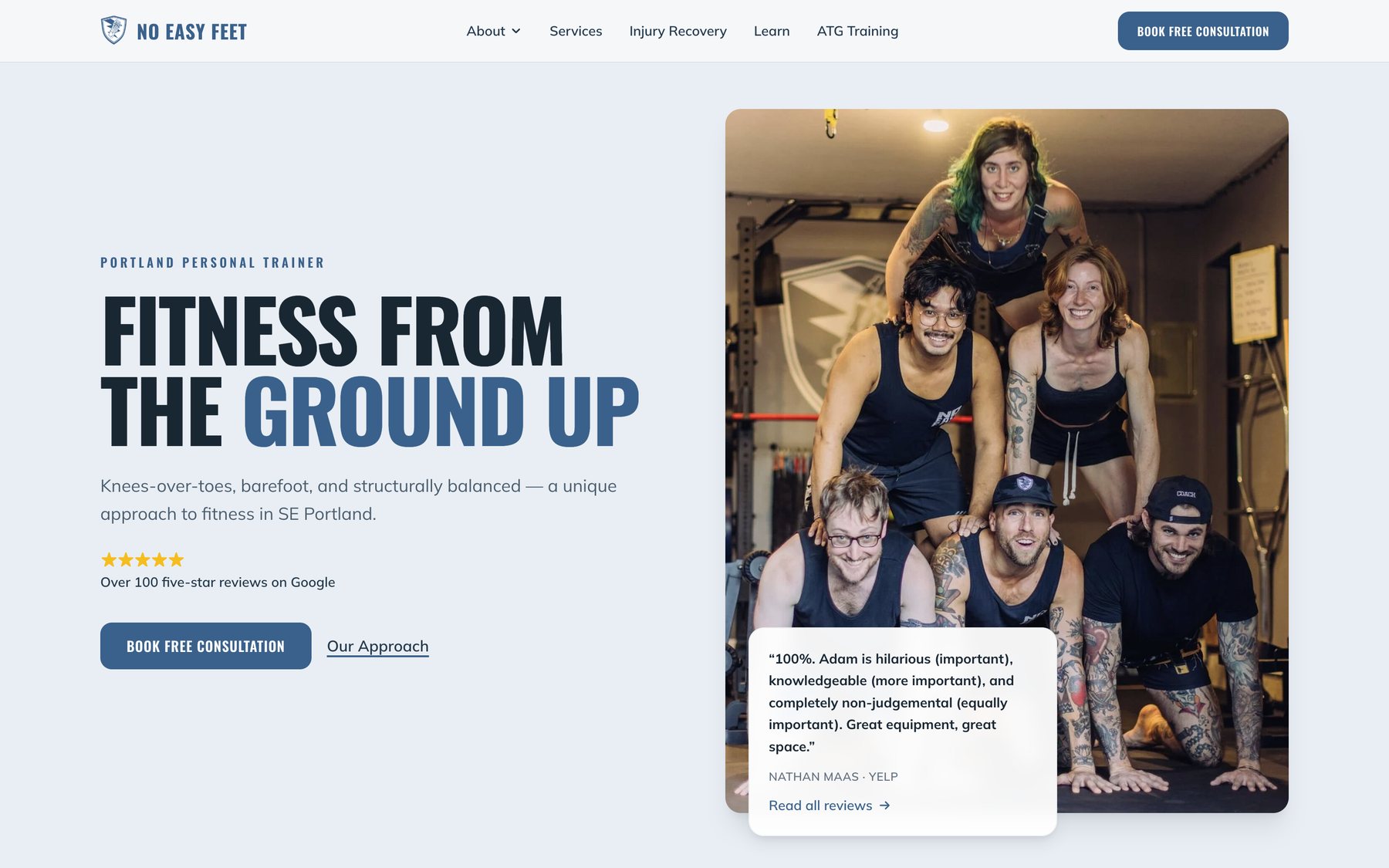
The Astro builds are No Easy Feet and Pure Energy Wellness, both Portland training studios, both running Diviner One behind a static front end for the blog, forms, CRM, and reviews. Pure Energy came off Squarespace. Both load fast, publish without a developer, and put their real Google reviews on the page where people decide.
The short version
Astro removes the technical excuses. Your pages are crawlable, your site is fast, and your markup is clean without anyone fighting for it. Everything that actually determines whether you rank — what queries you target, what the page says, how the site is structured, who links to you — is the same work it always was.
If you want that work done properly on a site that’s built right underneath it, get in touch.